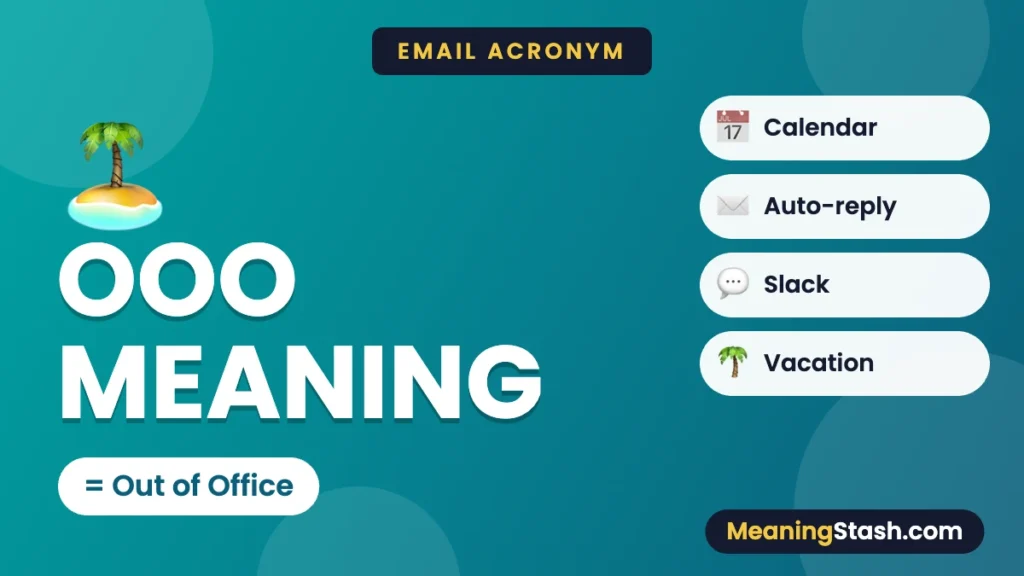
OOO means “out of office” in a work email, calendar or status message. It signals that someone is away from their usual work setting or will not respond normally. It does not always mean they are on vacation or completely offline.
The useful details are when the person will return, whether they will check messages and who can help in the meantime. Those details matter more than the abbreviation.
OOO meaning in different work messages
| Where it appears | Likely purpose |
|---|---|
| Email automatic reply | Explains an absence and sets expectations for a response. |
| Shared calendar | Marks time when someone may not accept meetings. |
| Work chat status | Shows that normal availability has changed. |
| “I’m OOO tomorrow” | Gives a brief notice; more details may be needed for a handover. |
A status label does not guarantee how a particular app handles invitations or notifications. Settings and workplace practices determine what happens automatically.
OOO vs PTO, WFH and AFK
| Term | Meaning | Important distinction |
|---|---|---|
| OOO | Out of office | A status about absence or changed availability |
| PTO | Paid time off | A leave arrangement, not every reason for being OOO |
| WFH | Working from home | Usually still working, rather than on leave |
| AFK | Away from keyboard | Often a shorter period of not being at the computer |
A colleague can be OOO at a conference while still doing work. Another can be on leave and not checking email at all. Avoid inferring either situation from the three letters alone.
What a useful out-of-office reply includes
- A clear return date. Say when you expect normal availability to resume.
- A realistic response expectation. If you will not check messages, say so.
- An agreed backup contact. Share another person’s contact information only when they are meant to cover the work.
- Only necessary personal details. You do not need to describe a medical issue, itinerary or private reason for leave.
Short OOO message examples
General absence
“I’m out of the office until [return date] and will respond after I return. Thank you for your patience.”
With a backup contact
“I’m out of the office from [start date] through [last day away]. I return on [return date]. For urgent matters, contact [agreed name and contact].”
Limited access while working elsewhere
“I’m attending a conference until [date] and checking email less frequently. If your request needs a response before then, contact [agreed backup].”
Replace the placeholders before using an example. “Away until Monday” can be unclear about whether Monday is a working day; “I return on Monday, [date]” is more precise.
How to respond when someone is OOO
If the issue can wait, leave a clear message and allow for the stated return. If it is time-sensitive, follow the backup route they provided. Do not assume that repeatedly sending the same email will make a person available.
If you have an EOD deadline, communicate the exact cutoff and the required action to the appropriate cover person. A deadline does not become clear simply because it includes an abbreviation.
Language choices for your audience
“Out of office” is usually clearer than OOO for readers who do not use English workplace shorthand. The meaning of available also shows why physical location and ability to respond are different ideas.
These distinctions sit within business acronyms and workplace terms. Use the full phrase when your reader is likely to need it.
Frequently asked questions
Does OOO always mean vacation?
No. It can cover leave, travel, a conference, an appointment or other changes in availability.
Is OOO the same as WFH?
No. WFH usually means working from home. A person working remotely can still be fully available.
Should I put the reason for my absence in the reply?
Only if it is useful and you want to share it. Return timing and a backup contact are often enough.
Does an OOO calendar label automatically decline meetings?
That depends on the app and settings. Do not assume that every OOO label performs the same actions.